Mobility
& beyond
The knowledge we share and the stories we love
What are you looking for?
Nothing was found
-
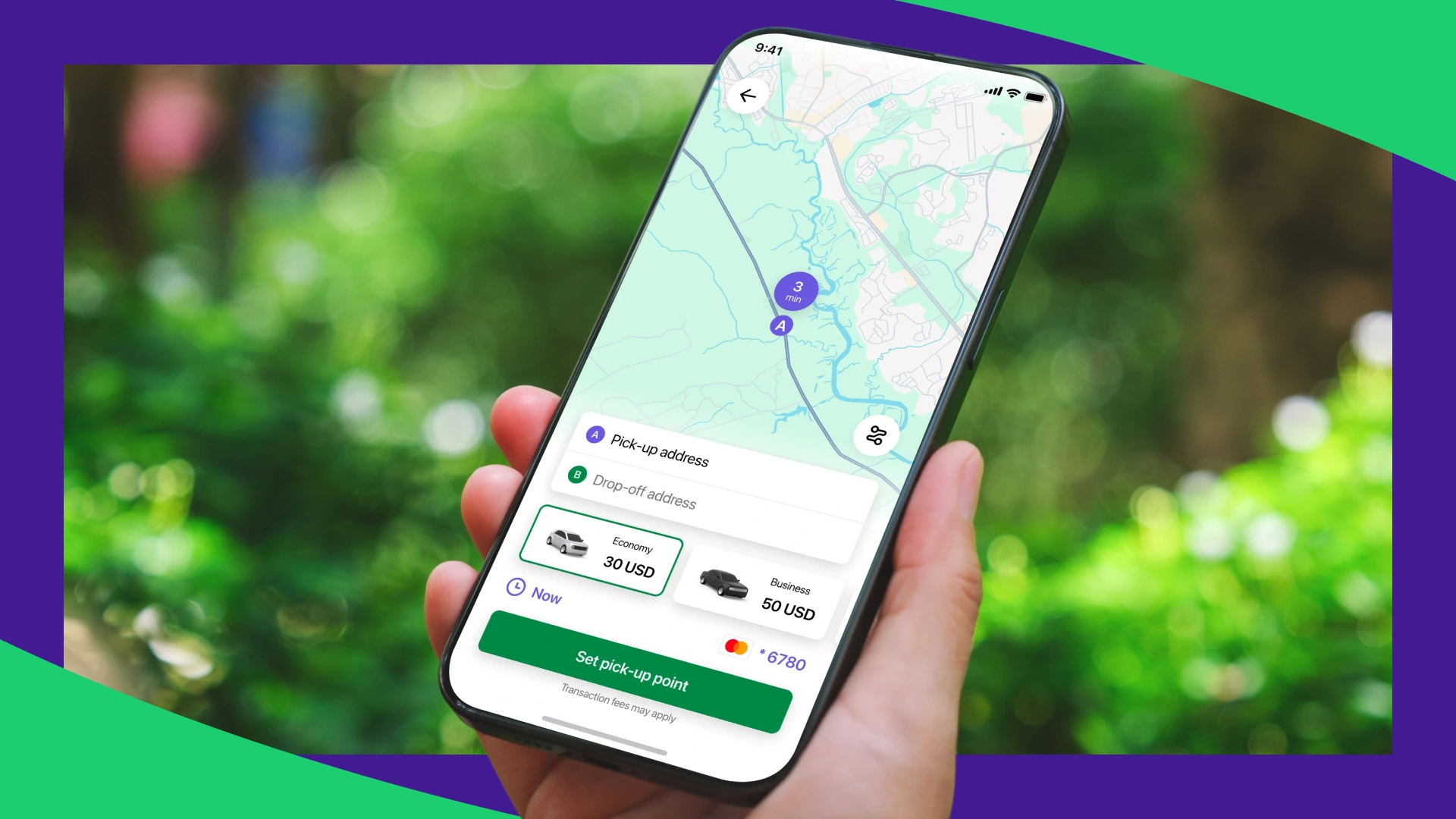
 Planning to start a mobility company in Europe? Discover proven business models, niche opportunities, and tools that help operators grow in competitive markets.
How to Start a Mobility Business in Europe: Business Models & Services That Work
-
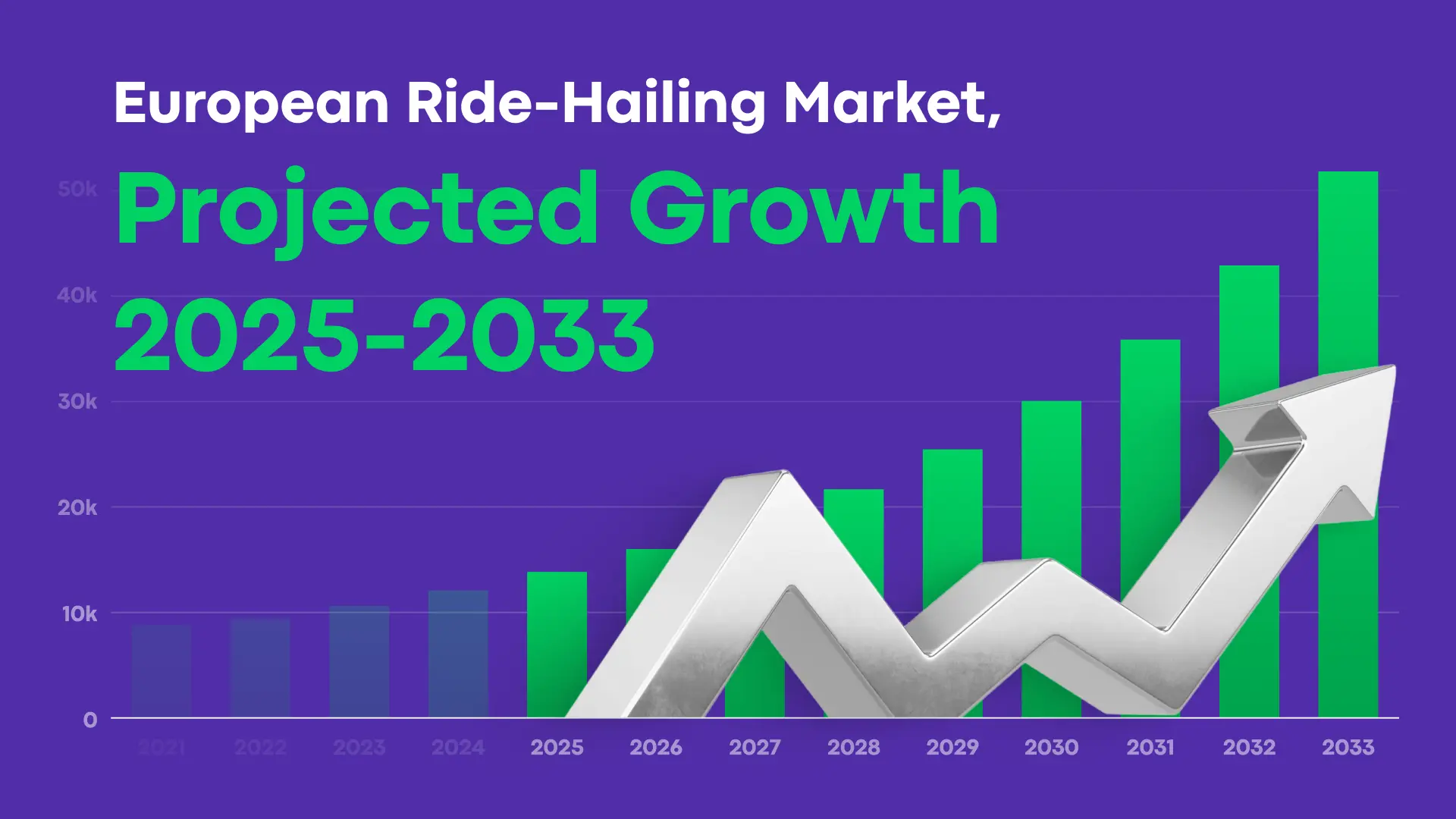 Learn about the key trends that are shaping taxi and ride-hailing across Europe right now, and get suggestions on how to adapt.
2026 European Mobility Report: Changes in the Taxi and Ride-Hailing Industry
-
 Mobility software is one of the main factors affecting how effectively you can handle and grow your ride-hailing or taxi business. Two platforms that get compared often in this space are Onde and TaxiCaller.
Onde vs. TaxiCaller: Which Platform For Taxi & Ride-Hailing Tech in 2026?
-
 If you’re building or growing a ride-hailing or taxi business, the platform you choose to power your tech stack defines how quickly you launch, how smoothly your operations stay, and how easily you scale. Two names that come up often are Onde and iCabbi.
Onde vs. iCabbi: Choosing the Right Ride-Hailing & Taxi Tech in 2026
-
 In this comparison, we break down Onde and Atom Mobility, two white-label platforms for powering modern mobility businesses. You’ll see how they differ on features, scalability, pricing models, and use cases. The goal of this comparison is to help you decide which platform fits your business model best.
Onde vs. Atom Mobility: Which Ride-Hailing Platform Should You Choose?
-
 Onde proudly announces the appointment of Martin Gallardo as our new Chief Executive Officer. Learn more about Martin in the article.
Welcoming a New Chapter at Onde: Introducing Our New CEO, Martin Gallardo
-
 Are you starting a rideshare company or automating an existing taxi business in the USA? Selecting the right taxi booking management software is crucial for operators competing in this dynamic market.
Choosing the Best Taxi Booking Software in the USA: A Comprehensive Guide
-
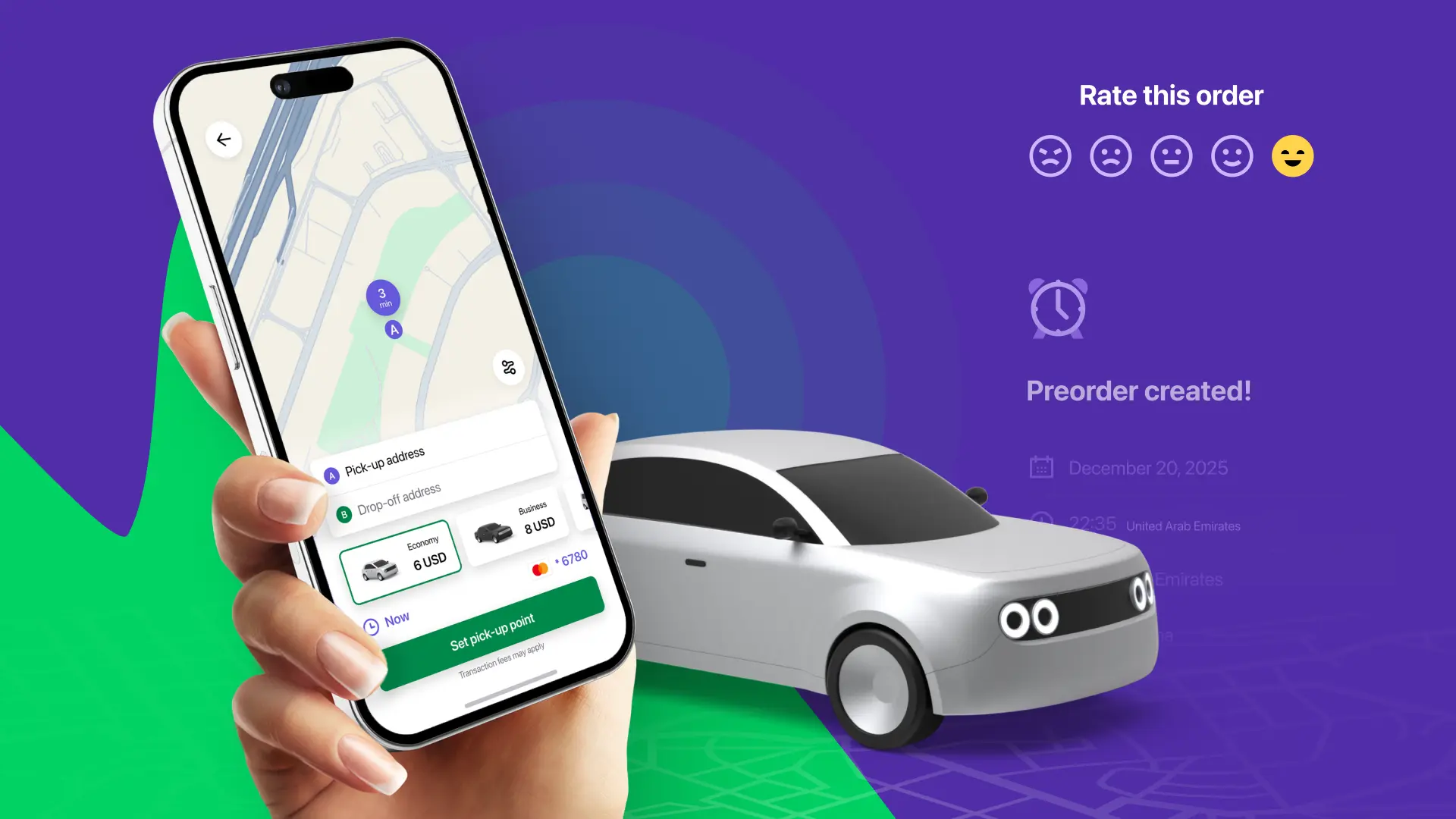 The global ride-hailing market continues to expand as passengers and drivers are looking to optimize their lifestyle and spend less time commuting. Modern technology platforms now power everything from local taxi fleets to large ride-hailing networks operating across multiple cities.
Top Ride-Hailing Platforms 2026: How to Choose the Right Solution for Your Mobility Business

Product updates
-
 Learn how your taxi business can use Onde app notifications to engage users, run promotions, partner with brands, and collect feedback.
6 Ways to Use Onde's Notification Center for In-App Marketing
-
 Meet Dark Mode – a new feature in the Onde Driver app that makes late-hour driving more comfortable and productive. The night-friendly interface reduces glare, eye strain, and fatigue, helping drivers stay focused during night shifts.
Meet Onde’s new feature: Dark Mode
-
 Meet App notifications - a new feature in the Onde platform that helps you share promotions, discounts, and important updates directly with users of the Customer and Driver apps.
Meet Onde’s new feature: App notifications
Aiming for the Stars?
Subscribe to get helpful guides and product updates in your inbox!

Thank you for your request!
We will get in touch with you shortly